
ERP Migration & Upgrade
Upgrade to the Latest ERP Version Without Losing Data or Momentum
We move your ERP database, custom modules and history to a newer version, or from another system into a modern ERP, with testing at every stage.
- Version upgrades from ERP v8 onward
- Custom modules rewritten for the target version
- Rehearsal migrations before the final cut-over
Zero data
left behind
Move from an Outdated System To a Faster, Supported ERP
Older versions miss security fixes, new features and performance gains. Staying put gets harder every year.
Stay secure
Supported versions receive security patches and bug fixes.
Run faster
Newer ERP releases are noticeably quicker on large databases.
Unlock features
Use the latest accounting, inventory and UI improvements.
Keep customisations
Your custom logic is reviewed, cleaned and carried forward.
A Structured Migration Process That Protects Your Data
Every step is tested on a copy before your live system is touched.
Step 1 of 6
Audit
Review version, modules, data volume and customisations.
Step 2 of 6
Plan
Agree scope, downtime window and rollback plan.
Step 3 of 6
Code upgrade
Port or rewrite custom modules for the new version.
Step 4 of 6
Test migration
Run a full rehearsal and check records with your team.
Step 5 of 6
Cut-over
Final migration during an agreed low-traffic window.
Step 6 of 6
Hypercare
Close monitoring and quick fixes in the first weeks.
Coverage
Everything That Moves With Your Migration
We migrate the whole system, not just the database tables.
Database & history
Transactions, documents, attachments and audit trails preserved.
Custom modules
Rewritten for the new ORM and frontend framework.
Reports & templates
Invoices, quotations and custom PDF layouts updated.
Integrations
Payment, e-commerce and API connections re-tested.
Users & access rights
Groups, rules and multi-company settings carried over.
Legacy systems to ERP
Move from QuickBooks, Tally, SAP B1 or legacy software.
More Than a Migration. A Cleaner System Afterwards.
We use the upgrade to remove clutter that slowed you down.
Code review
Unused or duplicated customisations are flagged and removed.
Data clean-up
Duplicate partners and products merged before migration.
Rollback plan
Your old system stays intact until sign-off.
After-care
Support plans available once the upgrade is stable.
Not sure which ERP service you need?
Tell us where you are today and we’ll recommend the right starting point.
Case study
Proven Migrations Across Different ERP Versions
A recent upgrade, summarised.
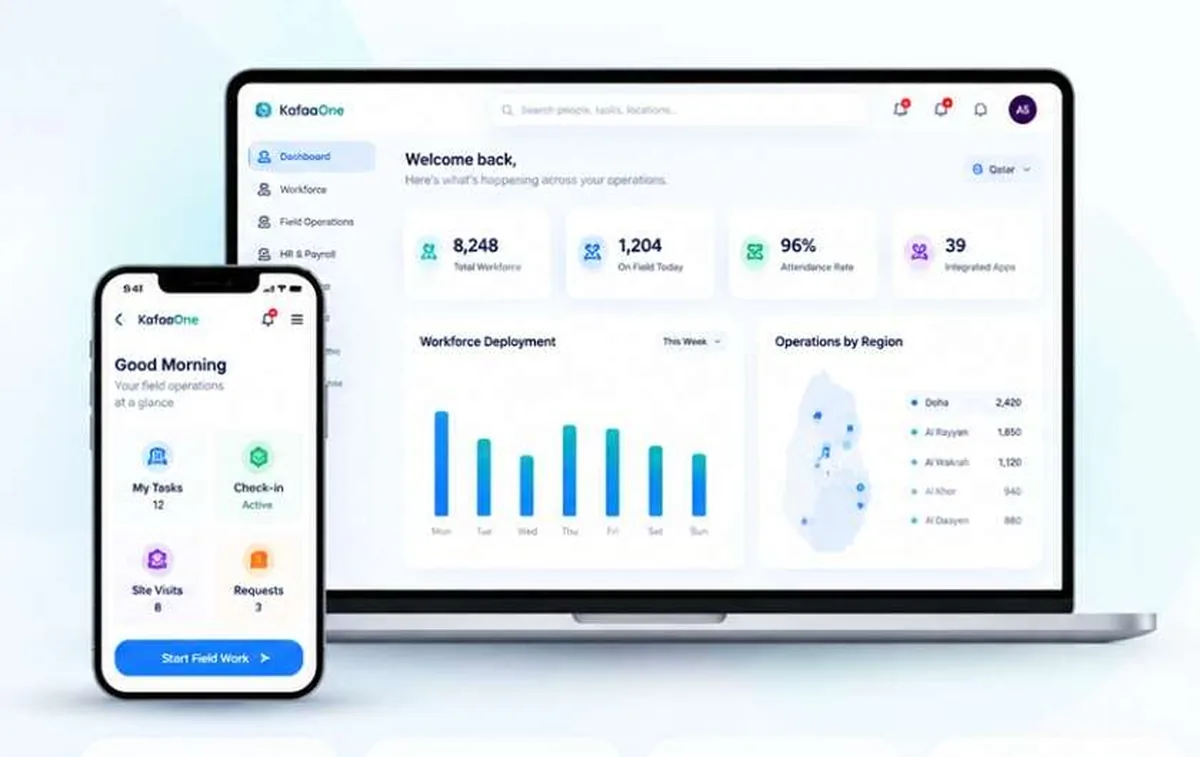
ERP Migration · ERP v13 to v17 upgrade
Upgrading ERP v13 to v17 over a single weekend
KafaaOne was running ERP v13 with 22 custom modules and slow reports. We rewrote the modules, ran two rehearsal migrations and completed the final upgrade over a weekend with no data loss.
- 22 custom modules rewritten for the new version
- Two full rehearsal migrations before cut-over
- Reports now run three times faster
records lost
downtime
faster reports
ERP
Explore More ERP Services
Every ERP service works together, from first plan to long-term support.
ERP Implementation
Plan, configure and launch the ERP around your processes.
ERP Customization
Custom modules, workflows and reports.
ERP Integration
Connect stores, payments, couriers and apps.
ERP Support
Help desk, fixes and monthly improvement plans.
ERP Consultation
Fit-gap analysis, roadmap and budget advice.
FAQ
Questions Before You Start?
Straight answers to what businesses ask us most. If your question isn't here, we're happy to talk it through.

Most migrations need a planned window of a few hours to two days, depending on data size. We schedule it for a weekend or low-traffic period.
Not automatically. Each custom module must be updated for the new version. We review, rewrite and test every one.
Yes. Data moves through the intermediate versions in our environment, but you only go through one cut-over.
Yes. We regularly move businesses from QuickBooks, Tally, Excel, SAP Business One and custom databases into the ERP.
Contact
Ready to Build Your Connected ERP Environment?
Share where your business is today. We’ll come back with a clear, practical plan and an honest estimate.
- We review your requestA consultant reads it and prepares questions.
- Free discovery call30 minutes to understand your goals and systems.
- Clear proposalScope, timeline and budget in writing.